Android 17 · One UI 9.0
Firmware downloads for Samsung Galaxy Z Fold8 Ultra (SM-F976W), with model details and checks for choosing the correct regional package.
Manufacturer download pages, update tools and guides to choosing the right package.
Android 17 · One UI 9.0
Firmware downloads for Samsung Galaxy Z Fold8 Ultra (SM-F976W), with model details and checks for choosing the correct regional package.
Android 17 · One UI 9.0
Firmware downloads for Samsung Galaxy Z Fold8 Ultra (SM-F976U1), with model details and checks for choosing the correct regional package.
Android 17 · One UI 9.0
Firmware downloads for Samsung Galaxy Z Fold8 Ultra (SM-F976U), with model details and checks for choosing the correct regional package.
Android 17 · One UI 9.0
Firmware downloads for Samsung Galaxy Z Fold8 Ultra (SM-F976Q), with model details and checks for choosing the correct regional package.
Android 17 · One UI 9.0
Firmware downloads for Samsung Galaxy Z Fold8 Ultra (SM-F976N), with model details and checks for choosing the correct regional package.
Android 17 · One UI 9.0
Firmware downloads for Samsung Galaxy Z Fold8 Ultra (SM-F976C), with model details and checks for choosing the correct regional package.
Open the original download page for device selection, available builds and installation notes.
All sources and toolsFull OTA packages, organized by Pixel or Nexus device.
PC recovery software and usage guides. If unavailable, use the regional Motorola support link in the guide.
Samsung’s backup and transfer software with support instructions. This is not a Galaxy firmware-file list.
Model support and HyperOS updater documentation for Xiaomi, Redmi and POCO.
Choose a region and device for manuals and software-update guidance.
Search the exact Zenfone or ROG Phone model for firmware and upgrade notes.
Compare Google’s full OTA and factory-image routes before choosing a Pixel download.
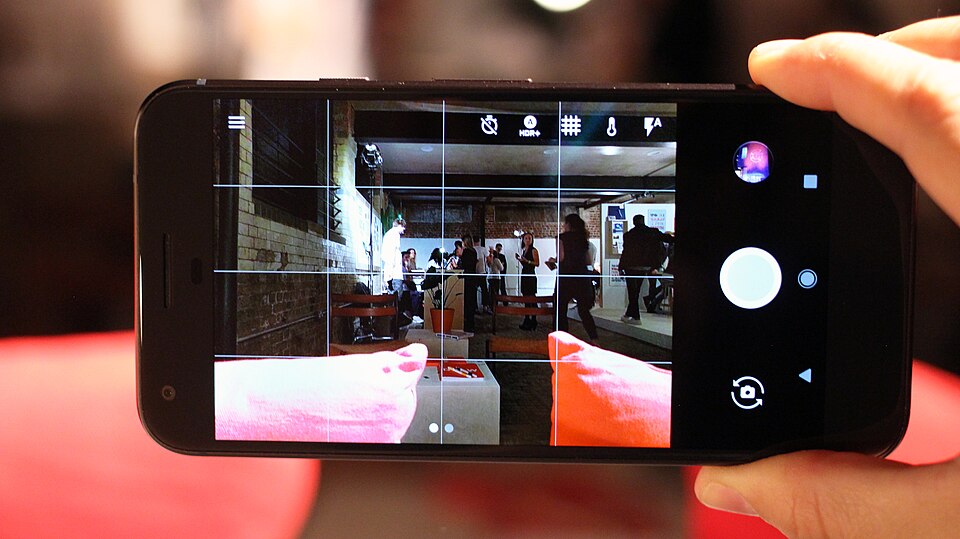
Find the Galaxy model number and installed build, then check Samsung’s update route.
Find the HyperOS updater and distinguish an updater package from a Fastboot flashing route.
Use Motorola’s PC recovery utility instead of choosing an unidentified ROM archive.
Install Platform Tools and check the device connection before following a flashing procedure.
Calculate the downloaded file’s hash and compare it with the original publisher’s value.